Swap Space on Linux:What It Is and How Much You Need
How swap works on Linux servers, sensible swap sizes for a VPS, the swappiness setting, how to add a swap file safely, and why swap is a safety net rather than extra RAM.
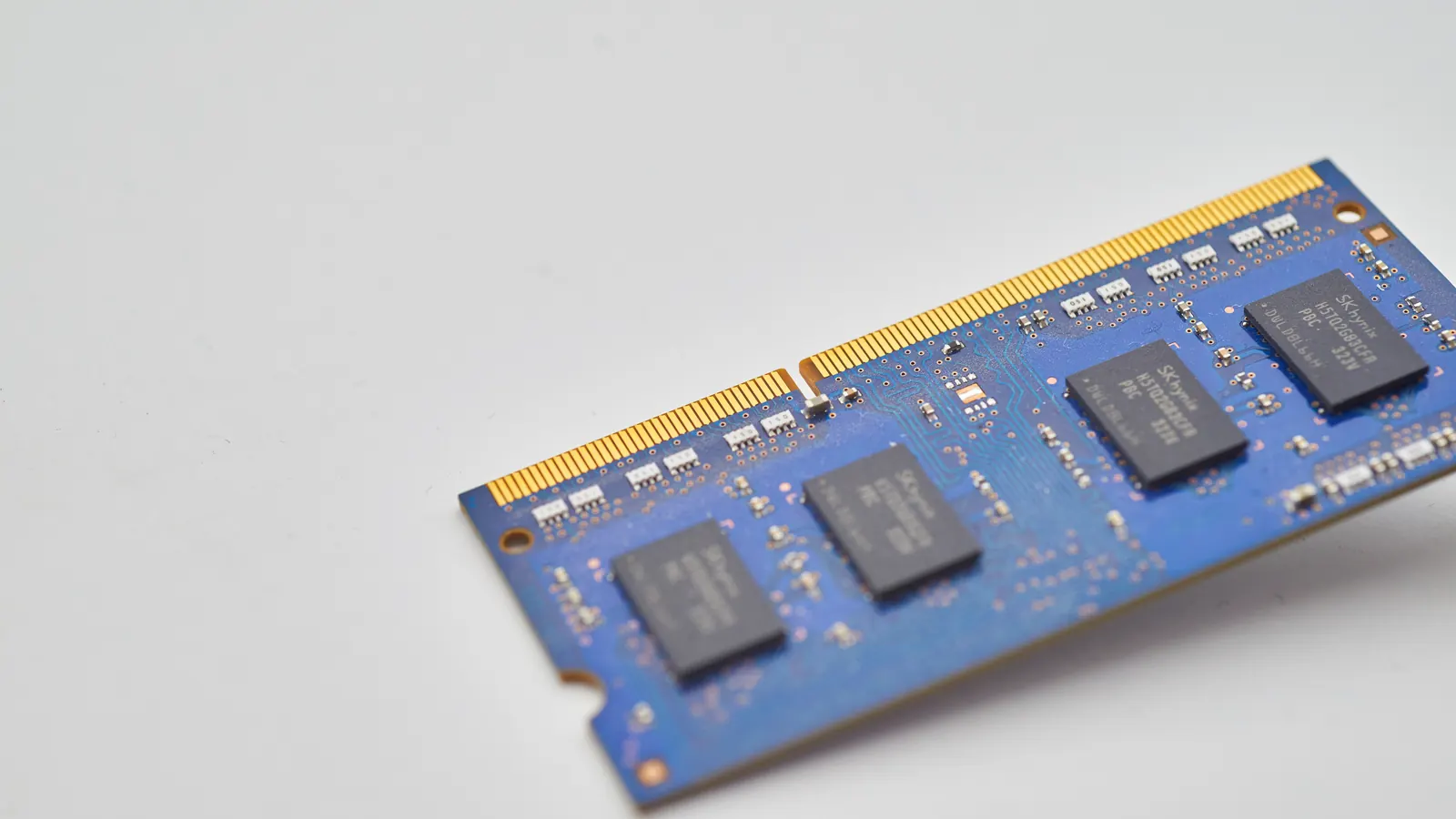
Table of Contents
Swap is disk space that Linux uses as an overflow for memory. When RAM runs short, the kernel moves memory pages that have not been used recently to swap, freeing RAM for active work. On a server, swap is a safety net: a modest amount helps the system survive brief memory spikes and avoid the out-of-memory killer, but a server that relies on swap for normal operation will be slow, because disk is far slower than RAM.
What swap is for
- Absorbing short spikes in memory use without processes being killed.
- Moving rarely used memory out of the way, such as idle background processes, so RAM can be used for active work and file caching.
- Hibernation on desktops (not relevant for most servers).
Swap does not make a small server behave like a big one. If the working set does not fit in RAM, performance suffers.
How much swap does a VPS need?
There is no single rule; common practical guidance for servers is:
| RAM | Reasonable swap |
|---|---|
| 1–2 GB | About 1–2 GB |
| 4–8 GB | About 2–4 GB |
| 16 GB or more | A few GB as a safety margin, or less |
Some providers' images include no swap at all. For small VPSs running databases and PHP, adding a modest swap file is usually sensible.
Checking current swap
free -h
swapon --show
free -h shows total and used swap. Small amounts of swap in use are normal on a long-running server; it often holds pages that were idle.
Swap in use vs swapping
What matters is not how much swap is used, but how much the server is actively moving pages in and out. Check with:
vmstat 2
The si (swap in) and so (swap out) columns should be near zero most of the time. Constant non-zero values mean the server is short of memory, which you should fix by reducing memory use or adding RAM. See Linux load average, CPU and memory explained.
The swappiness setting
vm.swappiness (0–100) influences how readily the kernel swaps out application memory versus dropping file cache. Many distributions default to 60. For database and web servers, a lower value such as 10 is commonly used so that application memory stays in RAM:
sudo sysctl vm.swappiness=10
echo 'vm.swappiness=10' | sudo tee /etc/sysctl.d/99-swappiness.conf
Measure the effect; it is a tuning knob, not a fix for insufficient RAM.
Adding a swap file
On most Linux filesystems you can add a swap file:
sudo fallocate -l 2G /swapfile      # or: sudo dd if=/dev/zero of=/swapfile bs=1M count=2048
sudo chmod 600 /swapfile
sudo mkswap /swapfile
sudo swapon /swapfile
echo '/swapfile none swap sw 0 0' | sudo tee -a /etc/fstab
Notes:
- On some filesystems (for example Btrfs), swap files need extra steps; check your distribution's documentation.
chmod 600matters: swap can contain sensitive data from memory.- Make sure there is enough free disk space before creating it.
When swap is a warning sign
- Swap usage keeps growing over days: possibly a memory leak.
si/soare constantly active: the server needs more RAM or fewer workers.- Response times rise along with swap activity.
The fixes are in server performance tuning and how to choose VPS specs.
Worked example: is this server short of memory?
A 2 GB VPS runs a small WordPress site and MariaDB. The owner sees swap "used: 600 MB" and worries. The checks:
free -hshows 700 MB available memory. The applications have room.vmstat 2over a minute showssiandsoat 0 almost all the time.
Conclusion: the 600 MB in swap holds idle pages that were swapped out once and never needed again. Nothing is wrong; no action is needed.
Six weeks later, after adding WooCommerce and two heavy plugins, the same checks show:
- available memory around 80 MB;
siandsoconstantly in the hundreds;- page response times doubling at busy times.
Now the server is genuinely short of memory. The fixes, in order: reduce PHP-FPM workers so they fit in RAM, lower the database buffer pool slightly if it is oversized, remove the heaviest plugin, and if that is not enough, move to a plan with more RAM. See how to choose VPS specs.
Removing or resizing a swap file
To resize, turn the swap file off, recreate it at the new size, and turn it on again:
sudo swapoff /swapfile
sudo fallocate -l 4G /swapfile
sudo chmod 600 /swapfile
sudo mkswap /swapfile
sudo swapon /swapfile
swapoff moves swapped pages back into RAM, so run it when the server has enough free memory, ideally at a quiet time.
Frequently Asked Questions
Can I run a server without swap?
Yes, and some do. Without swap, a memory spike triggers the out-of-memory killer immediately. A small swap area gives some breathing room.
Does swap wear out SSDs?
Occasional swapping causes little wear on modern server SSDs. Heavy constant swapping is a performance problem first.
What is zram?
zram creates a compressed swap area in RAM, which some systems use instead of or in addition to disk swap. It trades some CPU for effective memory capacity.
Related reading
For the fundamentals, see what is a VPS, and compare the ServerNeed VPS plans if you need more memory.
Sources
Last updated 7 October 2026