Server Backup Strategy:Snapshots, Off-Site Copies and the 3-2-1 Rule
Why a snapshot alone is not a backup strategy, how to apply the 3-2-1 rule to servers, what to back up, how often, how to protect copies and how to test restores.
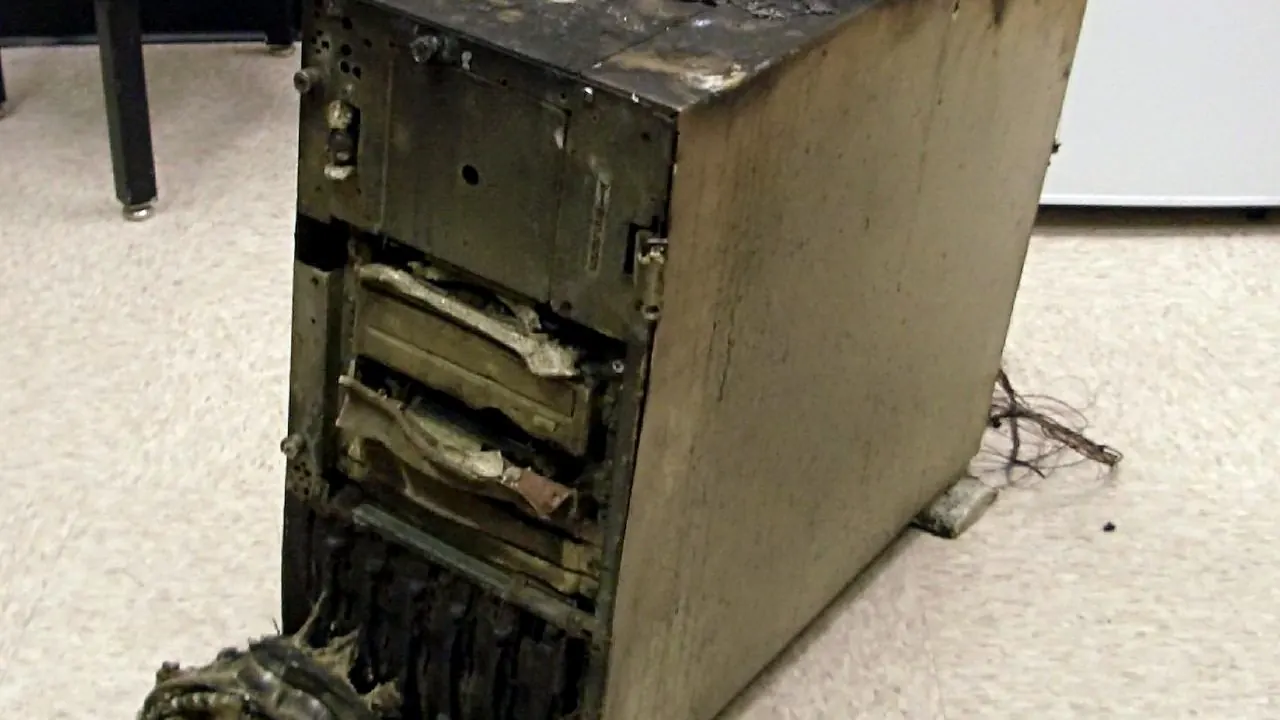
Table of Contents
A good server backup strategy answers four questions: what to back up, how often, where to keep the copies, and how you will restore. The widely used 3-2-1 rule is a sound baseline: keep at least three copies of your data, on two different types of storage, with one copy off-site. Provider snapshots are useful, but on their own they are not a complete strategy.
Snapshots vs backups
| Snapshot | Backup | |
|---|---|---|
| What it is | A point-in-time image of the whole disk | Copies of selected data, usually versioned |
| Where it lives | Usually on the same provider's infrastructure | Can be anywhere, including off-site |
| Restore | Whole server, quickly | Individual files, databases or the whole system |
| Consistency | Databases may need care to be consistent | Database dumps are consistent by design |
| Protects against | Bad updates, configuration mistakes | Those, plus provider-level loss, ransomware, account loss (if off-site) |
Use snapshots before risky changes and as one layer of protection, alongside independent backups.
What to back up
- Databases, using consistent dumps (
mysqldump,mariadb-dumpwith--single-transactionfor InnoDB) or a backup tool designed for databases. - Application files and uploads, such as
/var/www. - Configuration: web server, PHP, database, cron jobs, firewall rules,
/etcin general. - TLS certificates and keys, if not easily reissued.
- Email, if the server hosts mailboxes.
- A list of installed packages and versions, so the server can be rebuilt.
You usually do not need to back up the operating system itself if you can rebuild it from a base image plus configuration.
How often
Base frequency on how much data you can afford to lose (your recovery point objective):
- Databases for stores and apps: daily at minimum, often hourly or more, or continuous binary-log backups.
- Uploads and files: daily or when they change.
- Configuration: after every change, ideally stored in version control.
Keep several versions, for example 7 daily, 4 weekly and a few monthly copies. Problems like data corruption or a quiet compromise are often noticed late.
Where to store copies
- Off the server. A backup on the same disk disappears with the server.
- Off the provider, ideally. A separate storage provider protects against account suspension or provider-level incidents.
- Encrypted if it contains personal or sensitive data.
- Protected from deletion. Use separate credentials, versioning or immutable storage so that an attacker who controls the server cannot delete the backups. See backup security.
Automate and monitor
- Run backups automatically with a scheduler.
- Alert when a backup fails or is older than expected.
- Check backup sizes: a sudden drop can mean something is being skipped.
Test restores
A backup you have never restored is a hope, not a plan. At least a few times a year:
- Restore to a separate test server.
- Check the application starts and data looks complete.
- Time how long it took, which is your real recovery time.
- Write down the steps, so anyone on the team can repeat them under pressure.
Example: nightly backup script outline
A minimal nightly job for a VPS running a PHP application and MariaDB might:
#!/usr/bin/env bash
set -euo pipefail
STAMP=$(date +%F)
BACKUP_DIR=/var/backups/app
mkdir -p "$BACKUP_DIR"

# 1. Consistent database dump
mariadb-dump --single-transaction --routines --triggers app_db | gzip > "$BACKUP_DIR/db-$STAMP.sql.gz"

# 2. Application uploads and configuration
tar -czf "$BACKUP_DIR/files-$STAMP.tar.gz" /var/www/app/storage/app /etc/nginx /etc/php

# 3. Encrypt and send off-site with a dedicated tool or client, then
# 4. remove local copies older than 7 days
find "$BACKUP_DIR" -type f -mtime +7 -delete
Steps 3 and 4 depend on your storage provider and tool. Purpose-built backup tools add deduplication, encryption and retention management, which is usually better than hand-written scripts for anything beyond simple setups. Run the job from a scheduler, and alert if it fails.
Recovery objectives in practice
| Service | Acceptable data loss (RPO) | Acceptable downtime (RTO) | Implies |
|---|---|---|---|
| Company brochure site | 1 week | 1 day | Weekly backups, simple restore |
| Busy online shop | 1 hour | 2 hours | Frequent database backups or binlog shipping, tested restore runbook |
| Internal tool | 1 day | 1 working day | Daily backups |
Writing these targets down turns "we have backups" into a plan you can test against.
A simple strategy for one VPS
- Nightly database dumps and file backups to off-site object storage, encrypted, with 30 days of versions.
- Weekly provider snapshots, plus an extra snapshot before major upgrades.
- Configuration in a private Git repository.
- Monthly test restore to a temporary VPS.
Frequently Asked Questions
Is RAID a backup?
No. RAID protects against a disk failure, but deletions, corruption and ransomware are copied to every disk instantly.
How long should I keep backups?
Long enough to recover from problems discovered late. Thirty days of daily copies plus monthly copies for several months is a common starting point; legal requirements may demand longer.
Do managed servers include backups?
Often, but check frequency, retention, storage location and who performs restores. Keep an independent copy for critical data.
Related reading
Backups are part of business continuity for websites and the Linux server hardening checklist. For the fundamentals, see what is a VPS. Automated backups are part of a ServerNeed managed VPS.
Sources
Featured image: “Backup Backup Backup - And Test Restores” by John from USA, licensed under CC BY 2.0.
Last updated 7 October 2026